

Pomelo press kit
Everything here may be used to write about Pomelo. For questions, an interview or an Unlock code to review the full app, write to [email protected].
In one sentence
Pomelo is a Windows 11 app that converts, compresses and moves files while you drag them in File Explorer: tap Shift, Ctrl or Alt during the drag and a wheel opens under the pointer.
In a paragraph
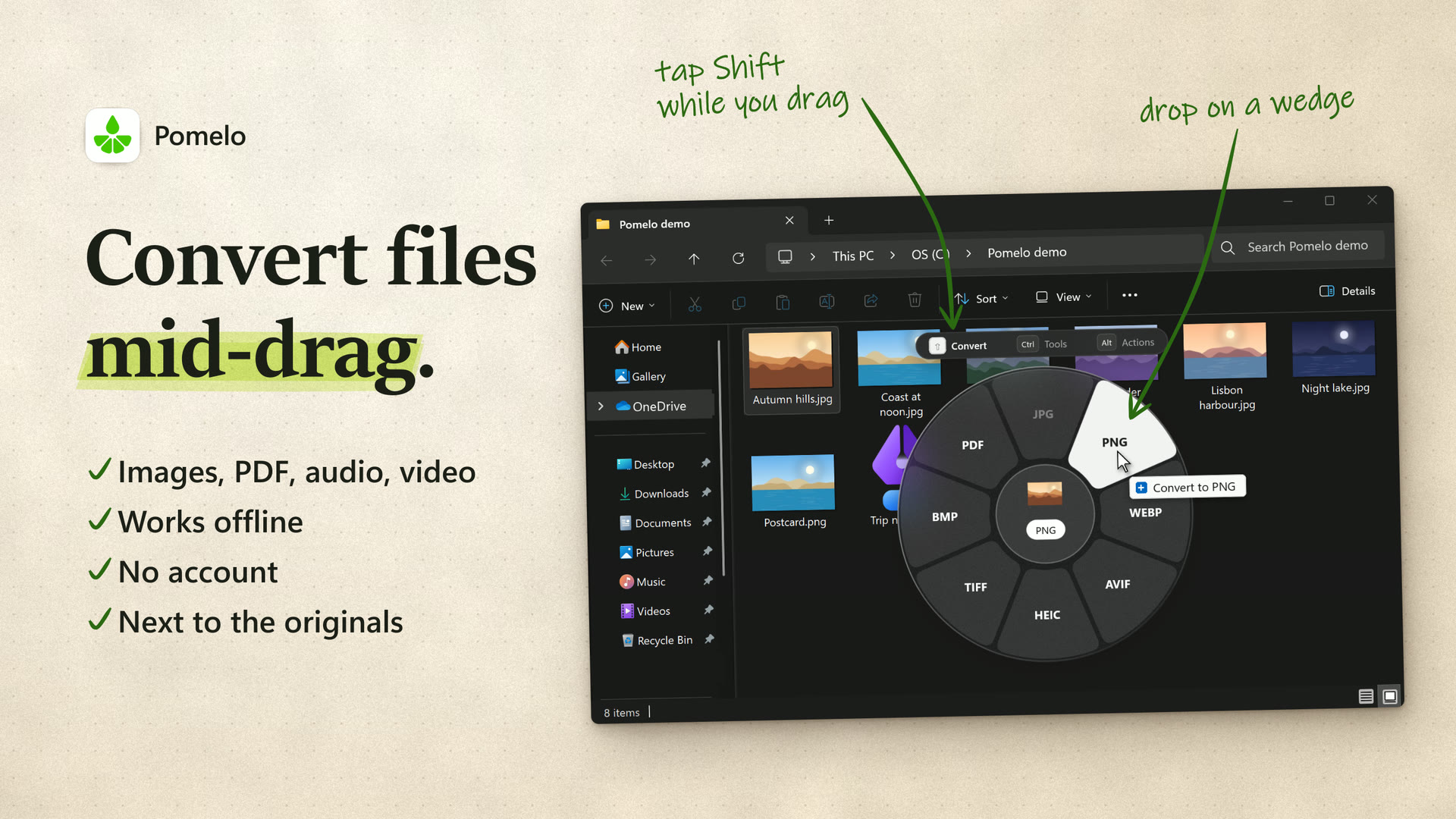
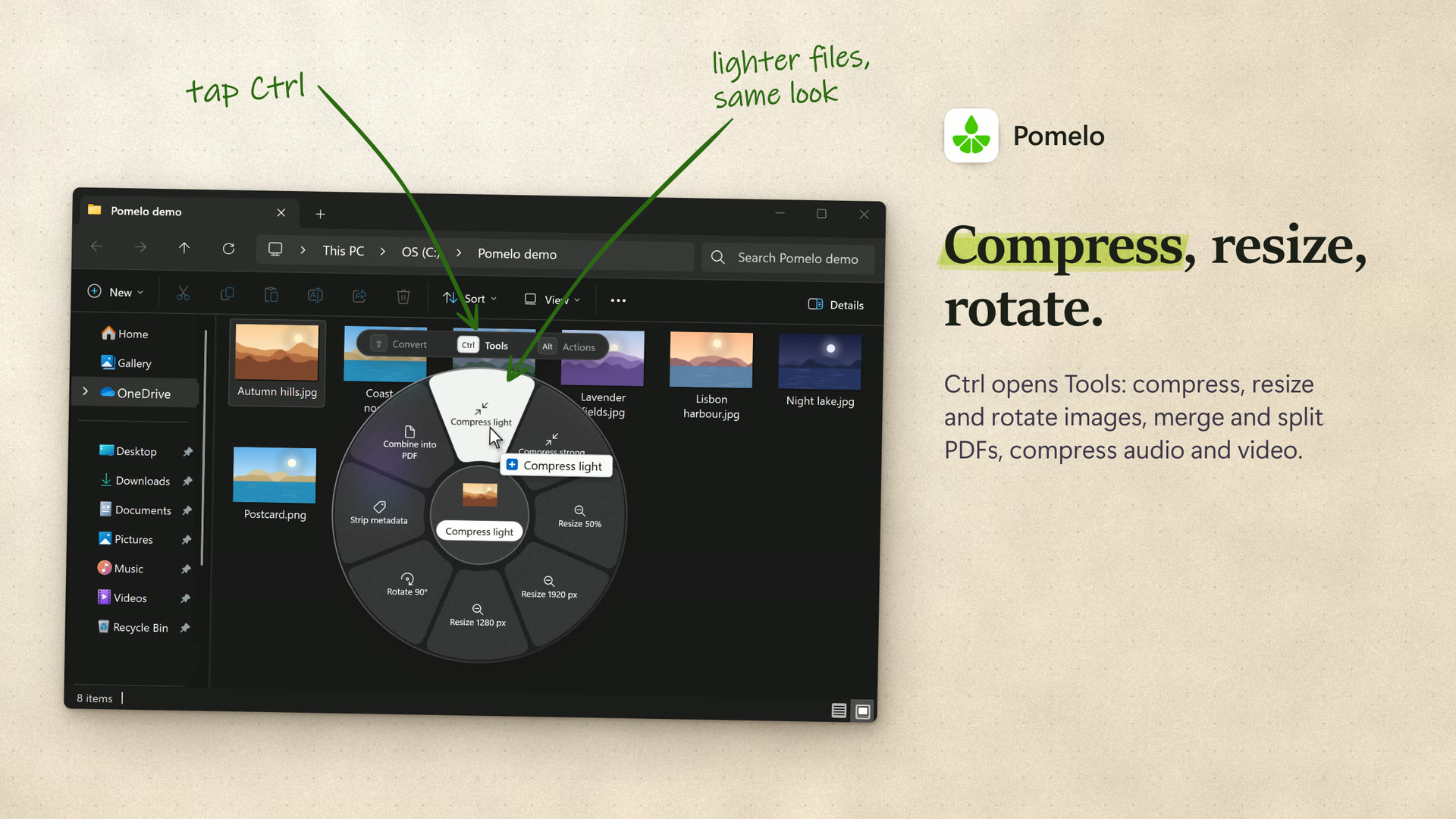
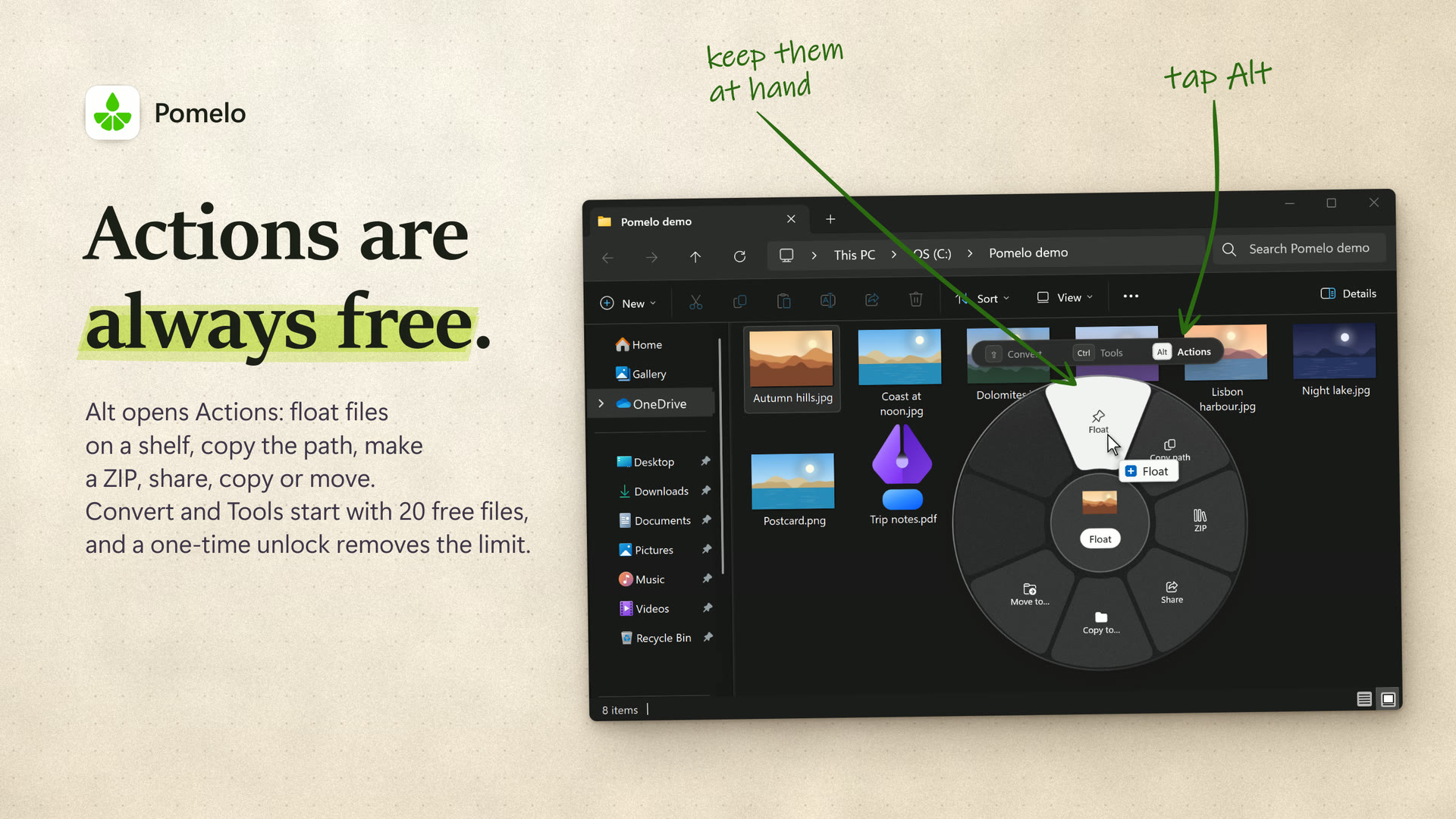
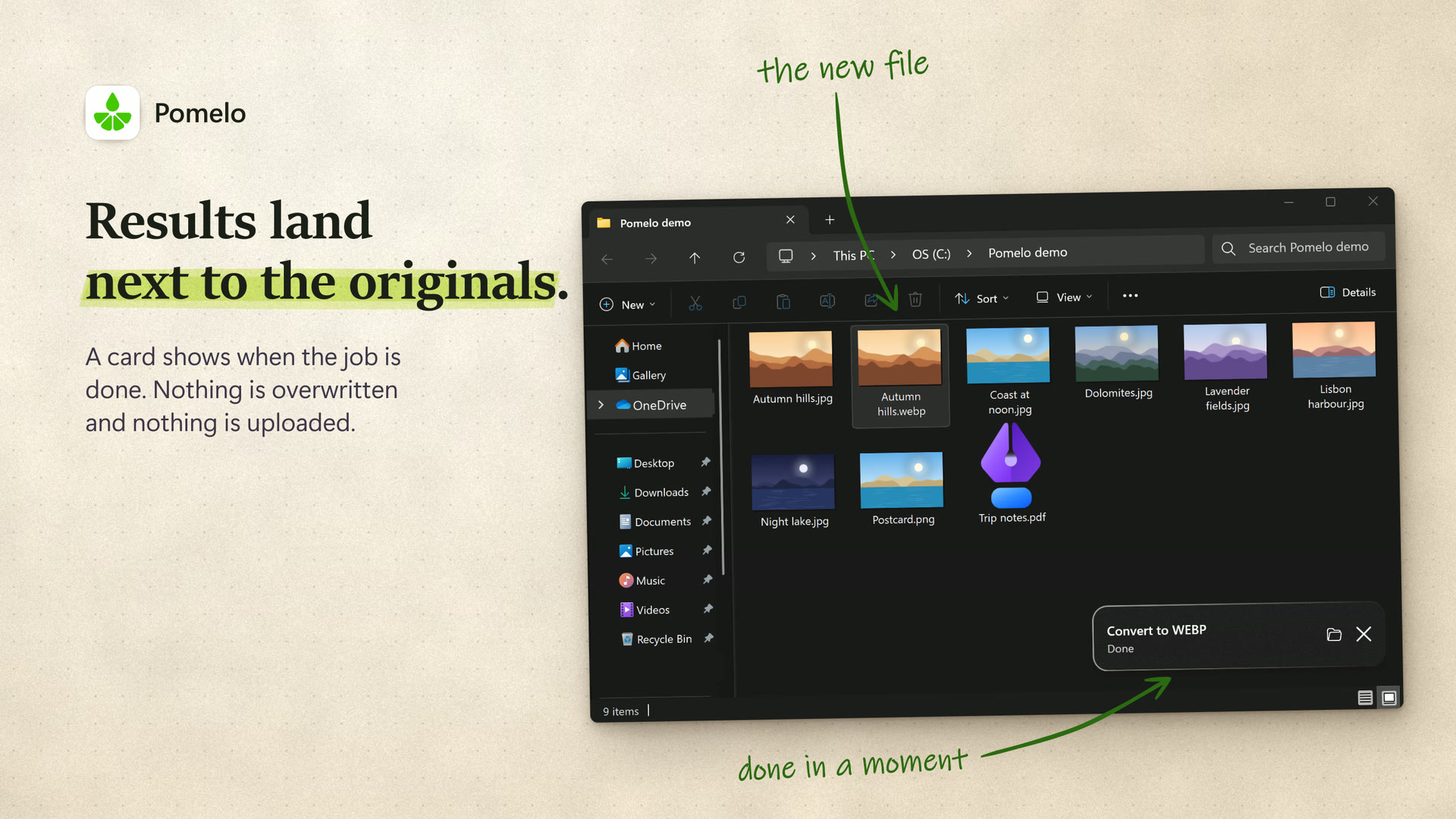
Pomelo adds a wheel of file operations to the drag you already make in File Explorer. While you hold the mouse button, you tap a key and drop the files on a wedge. Shift opens Convert, for images, PDF pages, audio and video (99 conversions between 22 formats). Ctrl opens Tools, which compress, resize and rotate images, merge, split and compress PDFs, and compress audio and video. Alt opens Actions: a floating shelf, copy paths, ZIP, share, copy or move. Results are saved as new files next to the originals. Everything runs on the PC, with no upload, no account and no analytics.
Facts
- Developer: Andrea Loroni, an independent developer in the United Kingdom (shown in the Microsoft Store as andrealo).
- Released: October 2026, on the Microsoft Store.
- Price: free to download, with 20 free files on Convert and Tools; Actions are always free. Unlock Pomelo is a one-time in-app purchase of USD 19.99, or the equivalent in local currency. No subscription.
- Requirements: Windows 11, version 22H2 or later, on x64 PCs. The interface is in English.
- Store page: https://apps.microsoft.com/detail/9P81WJ5W014Q
- Website: https://pomeloapp.net, with a demo that runs in the browser.
Files
- Logo (SVG)
- Trailer, 20 seconds (MP4, 1920 x 1080, 16 MB)
- Hero image (PNG, 1920 x 1080)
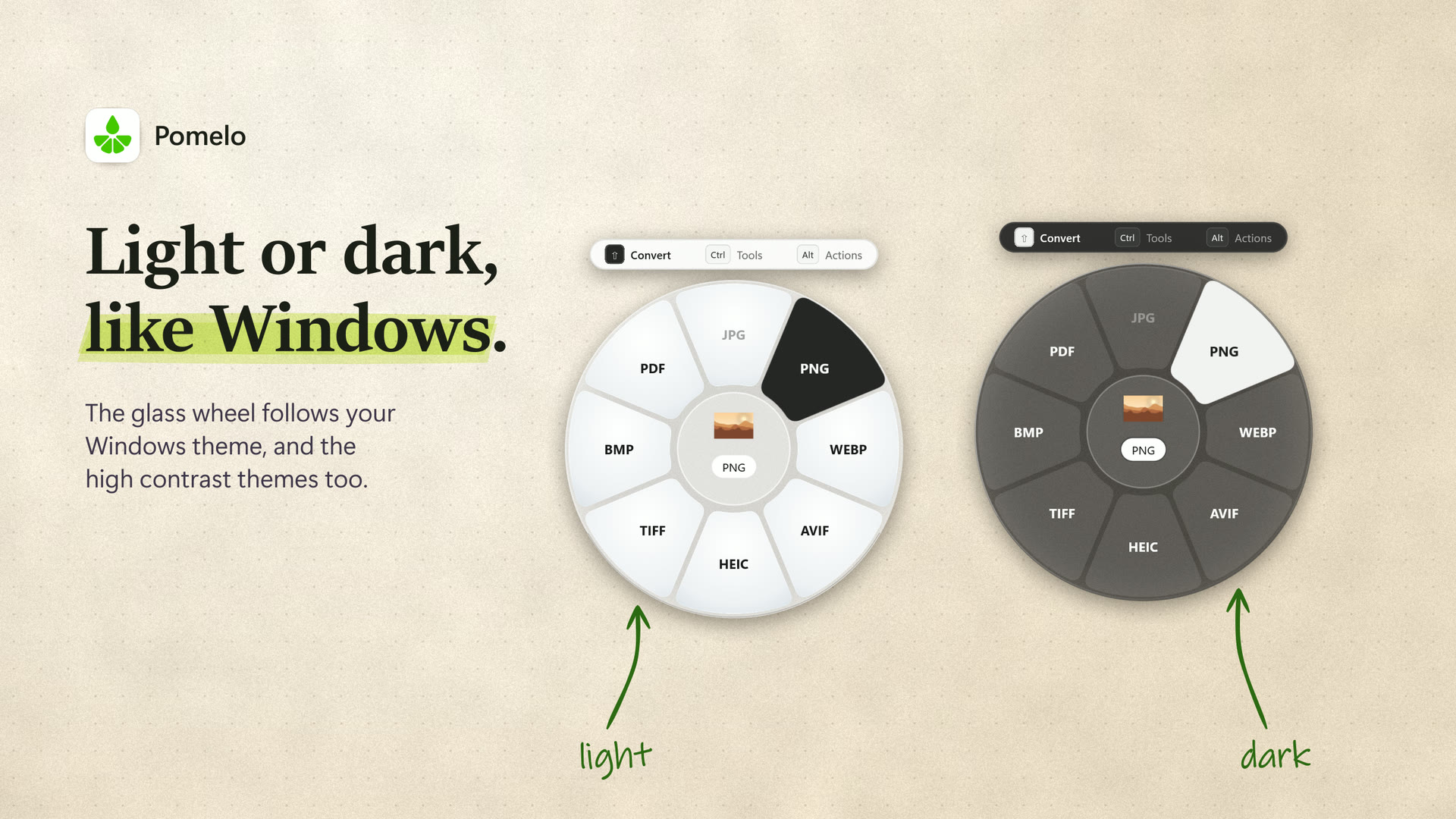
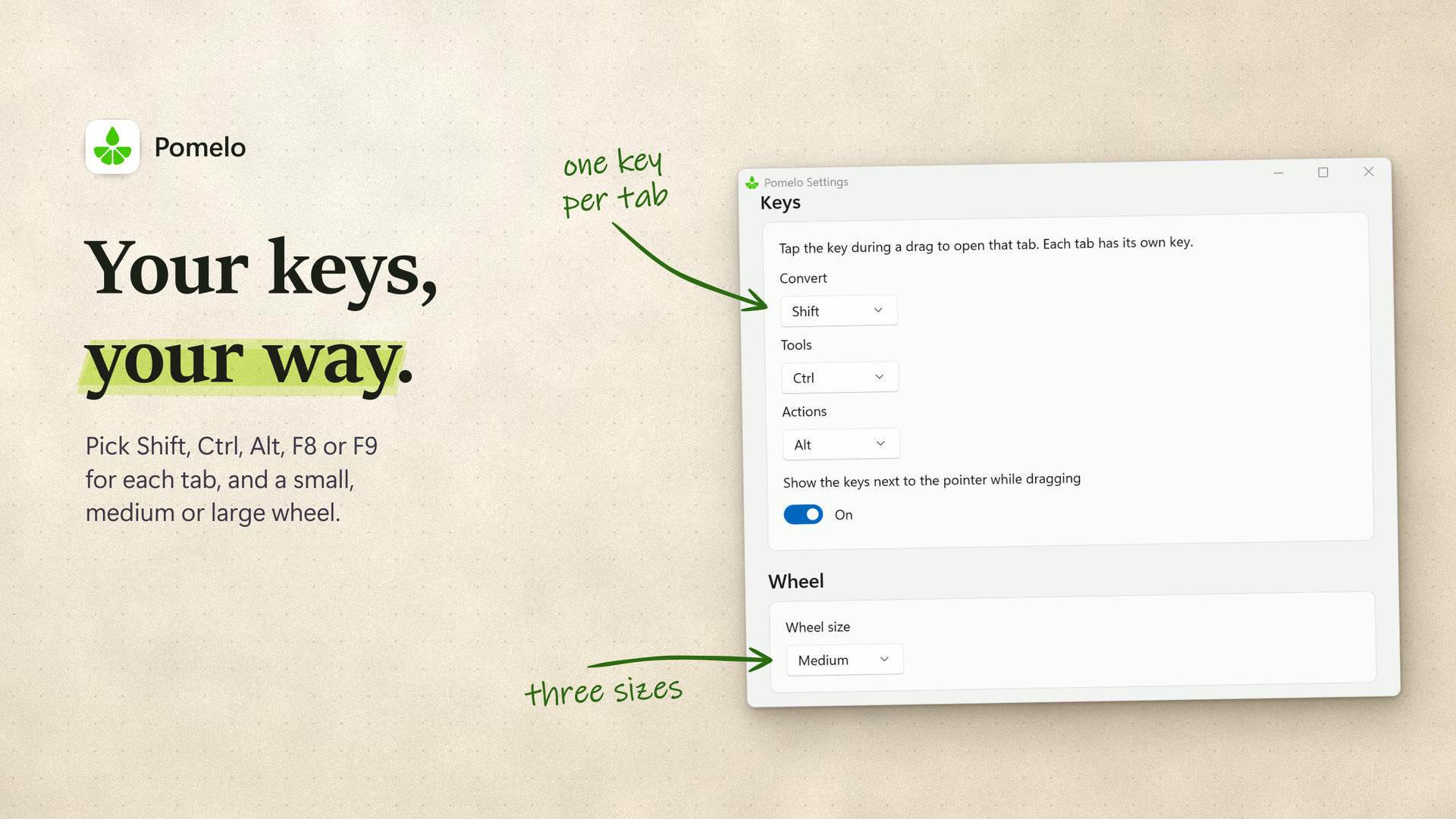
- Screenshots (JPG, 1920 x 1080): Convert, Tools, Actions, Results next to the originals, Light and dark, Settings


The logo is the green glyph alone; please do not recolour, stretch or redraw it. The name is written Pomelo, with a capital P.